Define your inputs and outputs
Map supported I/O into the variables your program will use. Give the AI assistant the equipment context and behavior you want to build.
FactoryOS Virtual PLC brings AI directly into the PLC editor. Describe the logic you need, refine your program, and work through compiler errors with AI. Review and test the result, then run it on a supported Linux industrial PC with live values, timing, and diagnostics alongside the program.
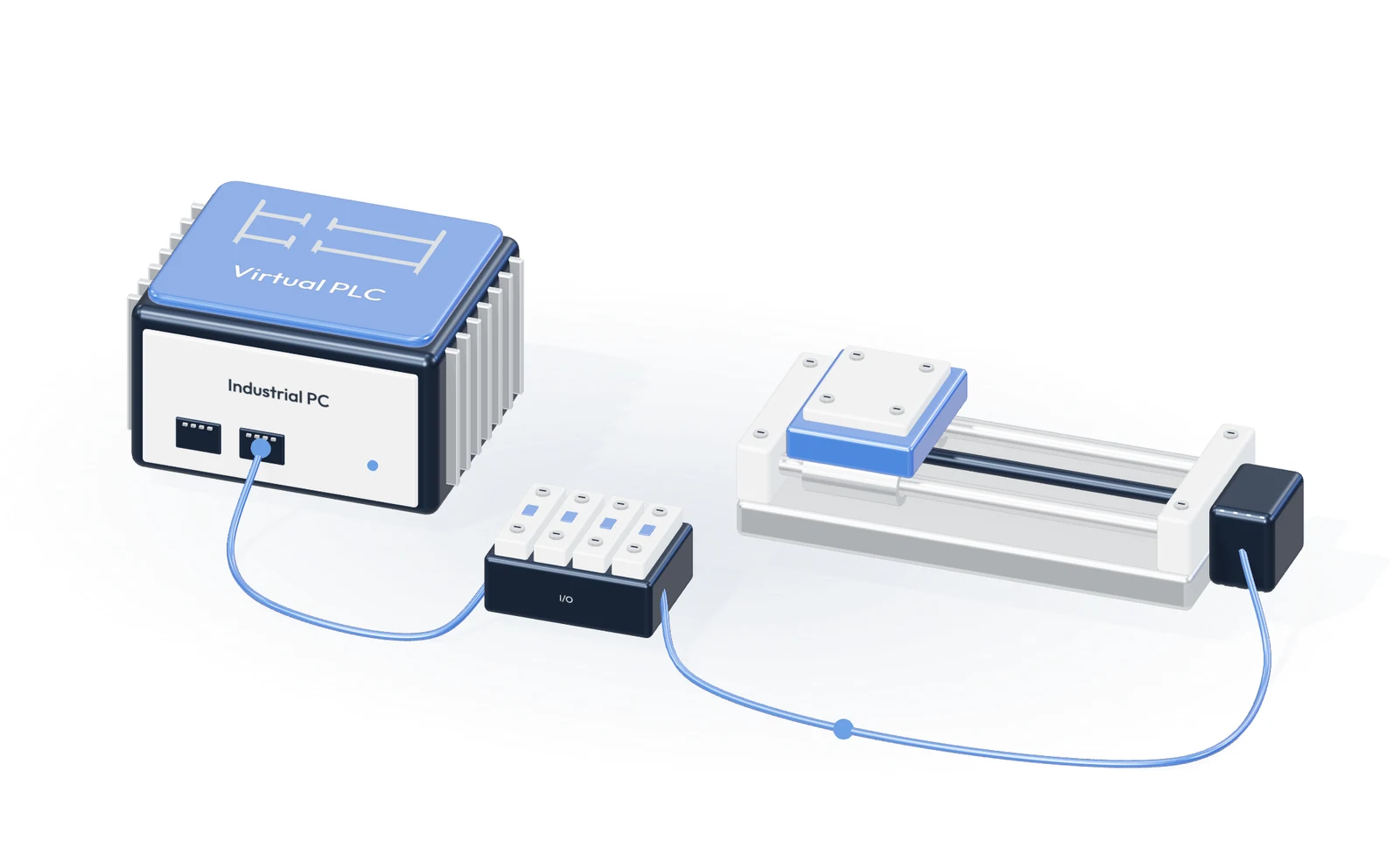
An industrial PC runs the actuator’s control logic.
Map supported I/O into the variables your program will use. Give the AI assistant the equipment context and behavior you want to build.
Ask AI to draft or revise logic, explain the program, and work through compiler diagnostics. Review the changes and test the behavior in simulation.
Deploy your reviewed program to supported hardware. The runtime executes it in a repeatable scan cycle, while you monitor live values, timing, and faults.
Use Virtual PLC on its own, or connect it with the other FactoryOS modules. They share equipment data and history, so your team can work from the same information.